02 · Bringing it to life
It worked, but it felt a little lonely.
So we gave it a friend.

01 · The sketch
The space on either side of the notch was always empty. We wanted to make room there for the things you use every day — one square at a time, each in just the right spot.
02 · Bringing it to life
03 · What it does
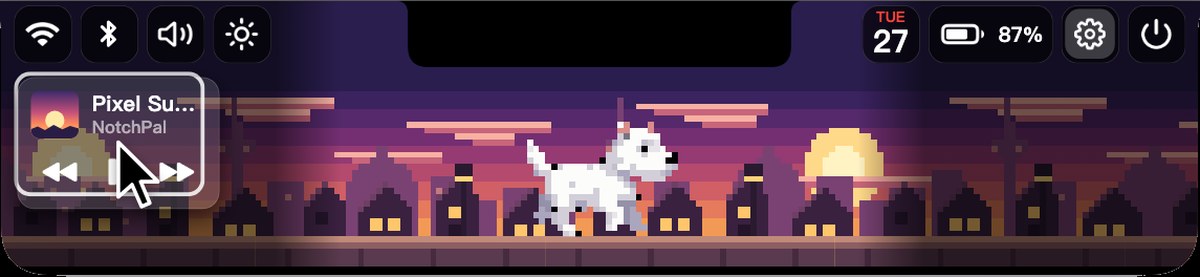
26 widgets, from 1×1 to 5×3. Drag one to any empty spot and it snaps into place. Four card styles — frosted glass, none, subtle and bold — keep everything readable over any scene.
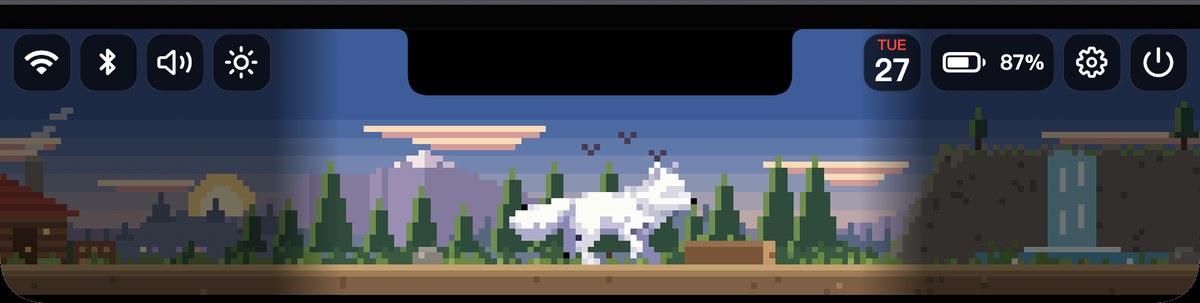
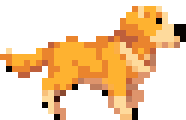
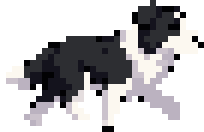
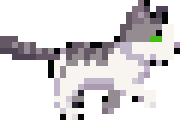
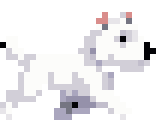
A ginger cat, a white cat, a golden retriever, a border collie, a westie, a labrador, an arctic fox and a pink octopus — in a city by day, dusk or night, a snowy village, a forest path, or under the sea.
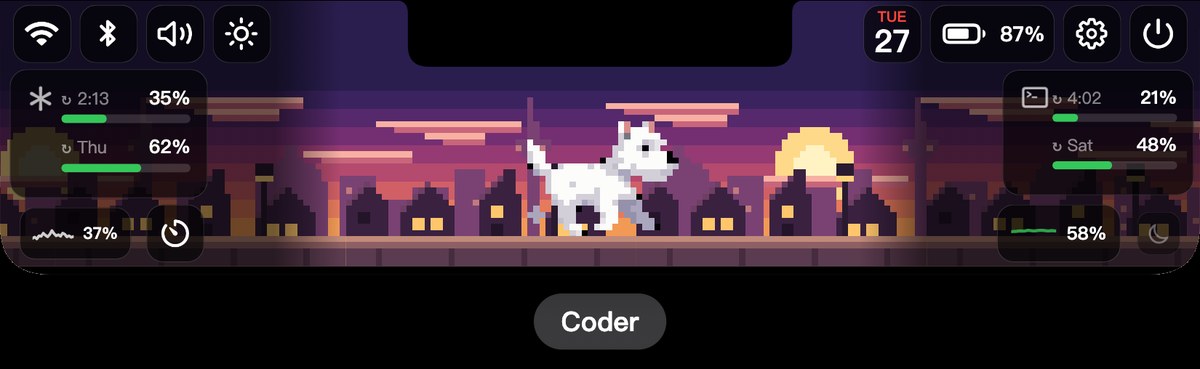
Swipe left or right with two fingers on the open panel to jump to the next preset. Each one has its own widgets, pet and scene — one for work, one for after.
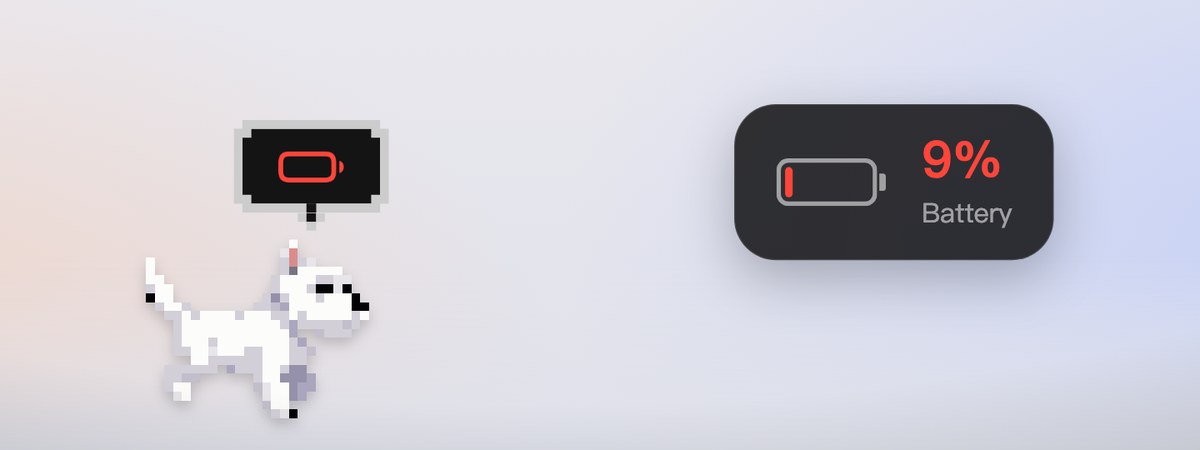
Drag your pet out of the panel and it wanders along the bottom of your screen. A little mark above its head tracks what matters — a countdown, your next event, low battery — and hovering shows the details. Drag it back to the notch to bring it home.
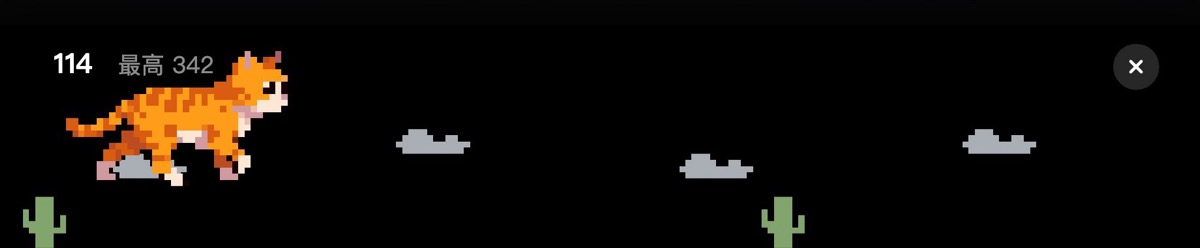
In Pet Dash, your pet leaps over cacti in the notch, faster and faster. In Tap Race, challenge a friend to see who reaches 30 taps first.
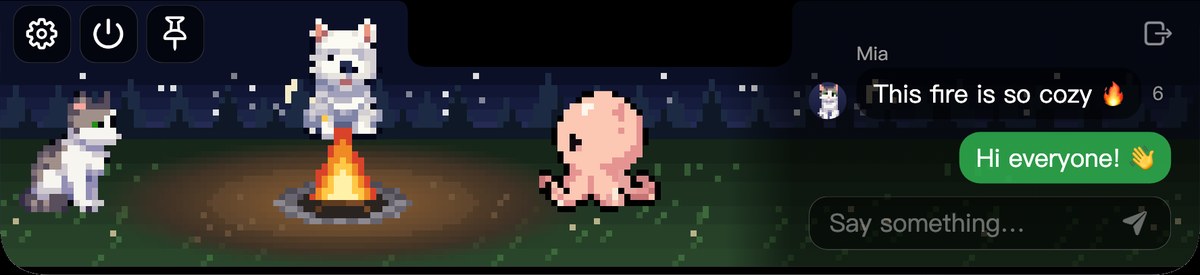
Visit a friend’s room and everyone’s pets gather around the campfire. Chat messages appear only when you open them, then vanish after a few seconds — nothing is kept.
The notch glows in the colors of the album art, and you can scrub the progress bar.
Drag files onto the notch to AirDrop them, zip them, convert images, park them on a shelf, or move them to the Trash.
Volume, brightness and keyboard backlight show a slim bar under the notch instead of the stock overlay. Focus changes and low battery show up there too.
See your 5-hour and weekly limits at a glance, along with when they reset.
When your Mac is locked, your pet keeps walking in the middle of the screen.
On external displays and older Macs, move the pointer to the top center of the screen and it unfolds.
04 · Install
Open the DMG and drag NotchPal into Applications.
On first launch, NotchPal explains each permission it uses and asks for them in one place.
Hover over the notch and it unfolds. Updates arrive automatically.
We’re still sketching new squares. Install it now and the rest will arrive as updates.